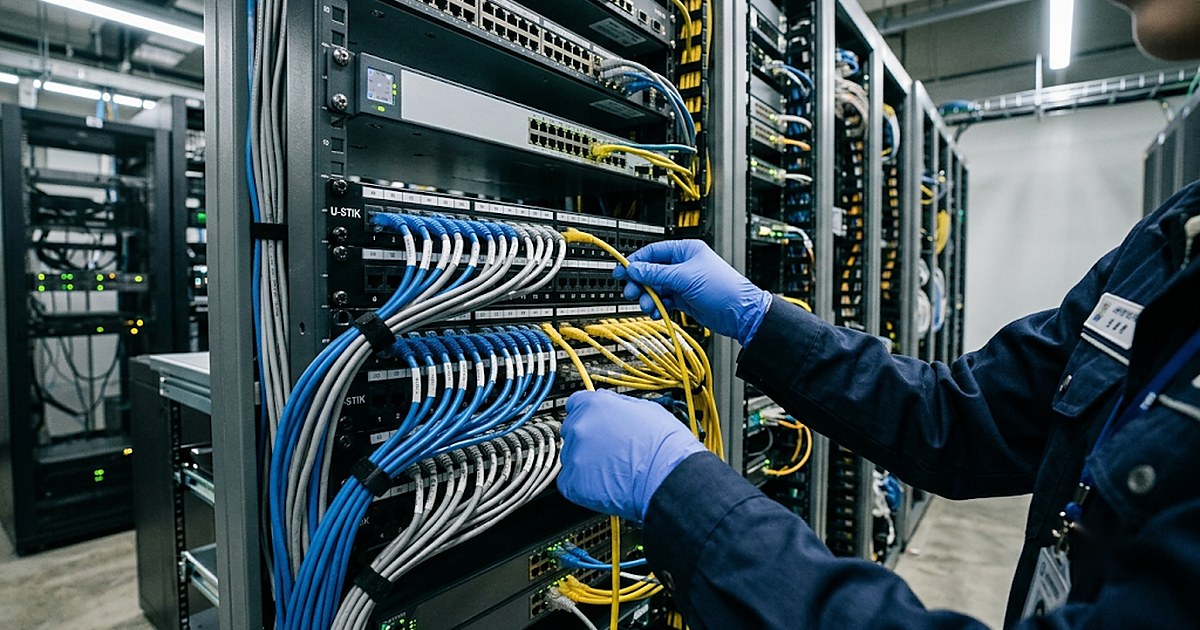
Why Data Lineage matters
As you keep adding pipelines while building and managing pipelines in Foundry with code, at some point it gets hard to see at a glance “where did this Dataset come from, and where does it get used.” Data Lineage tracks the entire creation, transformation, and consumption history of a piece of data in real time. It’s less a static after-the-fact record and more of a living data map wired into Foundry’s metadata system.
Core features
- Bidirectional tracing (upstream/downstream): for a given Dataset, see both where it came from (upstream) and where it’s being used (downstream). Before editing pipeline code, you can check ahead of time which dashboards or applications the change would affect (impact analysis).
- Column-level lineage: beyond the table level, trace which transformation logic a specific column went through, all the way down to field level, to reach the final Dataset. Especially useful for checking how sensitive data flows across an entire pipeline.
- Automatic inheritance of security markings: security markings or access permissions set on source data are automatically inherited down the lineage to derived Datasets and downstream analysis results.
- Integration with build history: wired into Foundry’s Git-like branching model, so you can trace which code change at which point in time caused a given issue.
- Health-check overlay: each Dataset’s build status and quality-check results are displayed directly on the lineage graph, so you can immediately see exactly where a problem originated.
How it’s used in practice
- Check impact before changing a pipeline: before editing code, look at downstream first to see which dashboards and apps would be affected.
- Trace sensitive data at the column level: when personal information or other sensitive fields are involved, check how far they’ve propagated using column-level lineage instead of table-level.
- Open lineage first when a quality issue shows up: if a specific Dataset’s values look wrong, trace back through the lineage graph to find which upstream Dataset or Transform step the problem started at.
Common mistakes
- Editing a pipeline before checking the impact of the change: modifying an upstream Dataset can affect several downstream applications at once. Skip checking downstream first, and outages show up in places you didn’t expect.
- Arbitrarily lowering a security marking partway through a pipeline: an inherited security marking is usually there for a reason. If the marking drops somewhere along the lineage, data that was supposed to stay protected can end up exposed further downstream.
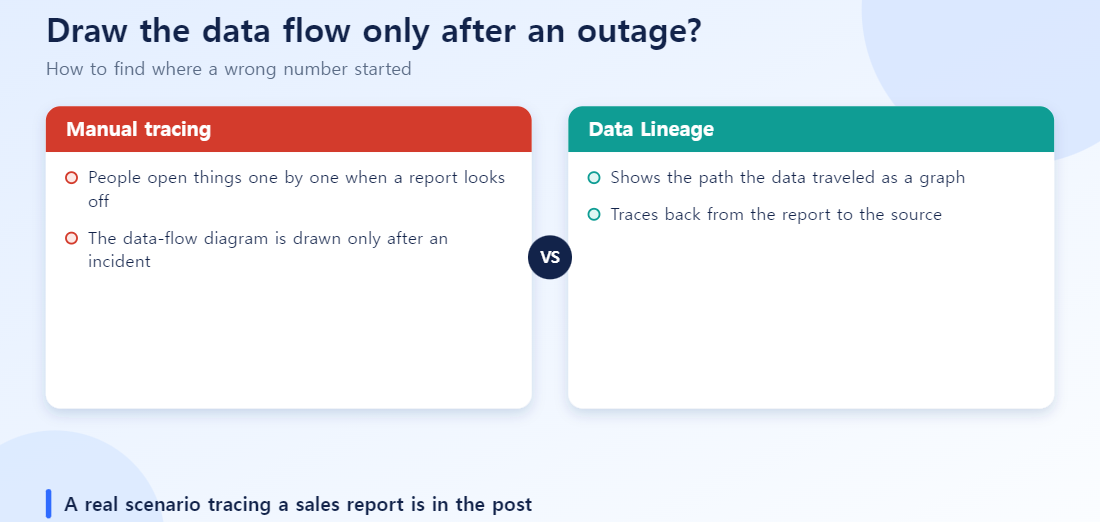
- Only opening lineage after something breaks: if you haven’t already built a mental map of the lineage structure, it takes time to even figure out where to start looking once an incident actually happens. It helps to get in the habit of skimming the lineage of your key pipelines ahead of time.
Hands-On Scenario: Tracing a Sales Report Backwards
Here is the sales-report example from above, step by step.
- Confirm the symptom: the regional total on the daily sales dashboard jumps abnormally versus the previous day.
- Trace upstream: open the Lineage graph from the dataset behind that widget and walk upstream. Typically the data has passed through three to five transformations (joins, filters, aggregations).
- Compare against build history: check whether any transform code was committed around the time the problem started. In most cases this is the culprit.
- Narrow down to the column: instead of the whole table, select only the problem column and see which transformation steps it went through.
- Check downstream impact before fixing: before changing the cause, look downstream to see how many other dashboards and reports consume this dataset.
The difference between digging through documents and Slack history to find where a report came from, and following the same path in the Lineage graph in a few clicks, is the practical value of this feature.
How It Differs from Manual Tracking
| Aspect | Docs- and notes-based tracking | Data Lineage |
|---|---|---|
| Freshness | Docs must be updated by hand when pipelines change | Reflects pipeline changes automatically |
| Coverage | Limited to what the author remembered or recorded | Automatic tracking down to table and column level |
| Security marking propagation | Must be re-checked manually | Upstream markings are inherited downstream automatically |
| Incident response speed | Depends on people’s memory; hours to days | Narrow down candidate causes in minutes |
Next steps
To revisit the pipeline logic itself, go back to Pipeline Builder or Code Repository. To check how this data maps onto the ontology, revisit Ontology Manager.
Six checks before using Data Lineage
- Before fixing a problem dataset, did you check which downstream systems reference it?
- Are you using upstream for root-cause tracing and downstream for impact analysis?
- Did you start from one suspect column rather than the whole table?
- Did you look at the recent change history of pipeline code alongside the data flow?
- Did you use the health-check overlay to see where failures or delays began?
- Did you verify how security markings propagate from upstream to downstream?
More short answers
Q. Must someone draw the lineage by hand?
No. The flow diagram updates when pipelines change, which reduces the problem of documentation going stale. If the flow gets too complex, narrow the scope and trace step by step.
Q. Are lineage and audit logs the same thing?
No. Lineage shows where data came from and where it goes; audit logs record who did what and when. You need both for a complete trace.
Q. What is the most common mistake?
Fixing the problem data right away without checking downstream impact. A change can ripple into other reports and systems.
Putting it together in one scenario
Suppose the month-end sales report total comes out 8% lower than last month. First, climb upstream one step at a time from the report to find the transformation point of the suspect column. If the health-check overlay shows a delay in a particular pipeline, the list of candidate causes narrows sharply. Even after finding the cause, do not fix it immediately: look downstream at the other reports and systems that use this dataset, share the impact, and then make the change. After fixing, record the change point from the build history so you can respond much faster if the same problem recurs. This order — trace the cause upstream, check impact downstream, record the history — is the safest basic routine for Data Lineage.
Frequently Asked Questions
Q. Is Data Lineage recorded automatically?
Yes. Lineage is recorded automatically as part of Foundry’s pipeline and ontology connection structure — there’s no separate documentation step required.
Q. When is checking lineage actually useful in practice?
It’s especially useful when a pipeline’s output looks wrong and you need to trace the cause backward, or when you want to check ahead of time which downstream Datasets and applications would be affected before changing a source data schema.
Q. Is Lineage the same thing as an audit log?
No. Lineage shows the transformation path data has traveled through; an audit log records who did what and when. Regulatory compliance often requires both.
Q. What if the lineage graph gets too complex?
It’s common to use the filter feature to narrow the upstream/downstream range around a specific Dataset or Object Type.
Q. What’s a common mistake?
Opening Lineage for the first time only after something has already broken. It’s better to build the habit of checking structure through the Lineage view starting from the pipeline design stage.